
How to Check a Flight Reservation: PNR Lookup in minutes
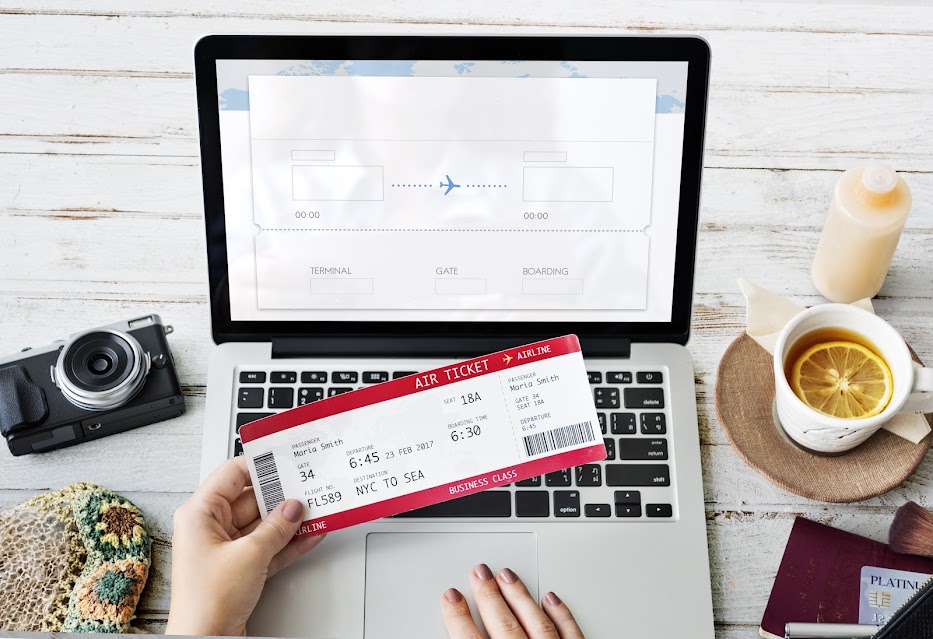
To check a flight reservation, enter your 6-character PNR and passenger last name on the operating airline official website under Manage Booking. Your live route and flight appear in about a minute. No e-ticket number is needed, and anyone asking for one on a reservation misunderstands the product. Prefer a guided hub? Open verify your booking.
Step 1: Find your PNR and last name
Open the email and PDF VerifiableFly sent. Note the 6-character booking reference and the passenger last name exactly as on the passport. Capitals do not matter, spelling does.
Step 2: Open the operating airline Manage Booking page
Use the airline named in your PDF, for example the carrier and flight number shown on your itinerary. Go to its official website, then Manage Booking or My Trips. Never use a random third-party checker site.
Step 3: Enter PNR plus surname
Type the reference and surname exactly, with no extra spaces. Some airlines also ask for the first name. If the form rejects the entry, recheck spelling before assuming a problem.
Step 4: Confirm the live reservation
Your route, flight, and passenger details should appear and match your PDF. Check before your appointment or travel day. If anything differs, contact support immediately with your booking reference.
Why is there no e-ticket number?
Because a reservation is a held booking, not an issued ticket. Verification always uses PNR plus surname. Officers at embassies, counters, and borders all verify this same way.
Airline site cannot retrieve the booking?
- Wait a few minutes and retry, partner bookings take time to sync
- Confirm you are on the operating airline site, not a codeshare partner page
- Try adding the first name where the form allows it
- Email support with your booking reference instead of waiting until appointment day
Check before every checkpoint
A reservation is temporary by design, so verify while it is live and keep the validity window open through the day it matters. Then present it with confidence: attach it to the file, or open the live booking at the counter. Full verification hub.
Check before every checkpoint
A reservation is temporary by design, so verify while it is live and keep the validity window open through the day it matters. Then present it with confidence: attach it to the file, or open the live booking at the counter. Full verification hub.
What officers actually see when they check
The same screen you see: passenger name, route, flight number, and booking status, pulled live from the airline system. There is no hidden paid-versus-held flag that embarrasses you, because held reservations are exactly what checklists request. What fails is unfindable references, mismatched names, and expired holds, all avoidable with the steps above.
Need proof of onward travel?
Get a verifiable onward ticket for your visa application or airline check-in, delivered directly to your inbox.