
Airline Cannot Find My Booking? 8 Causes and Fixes
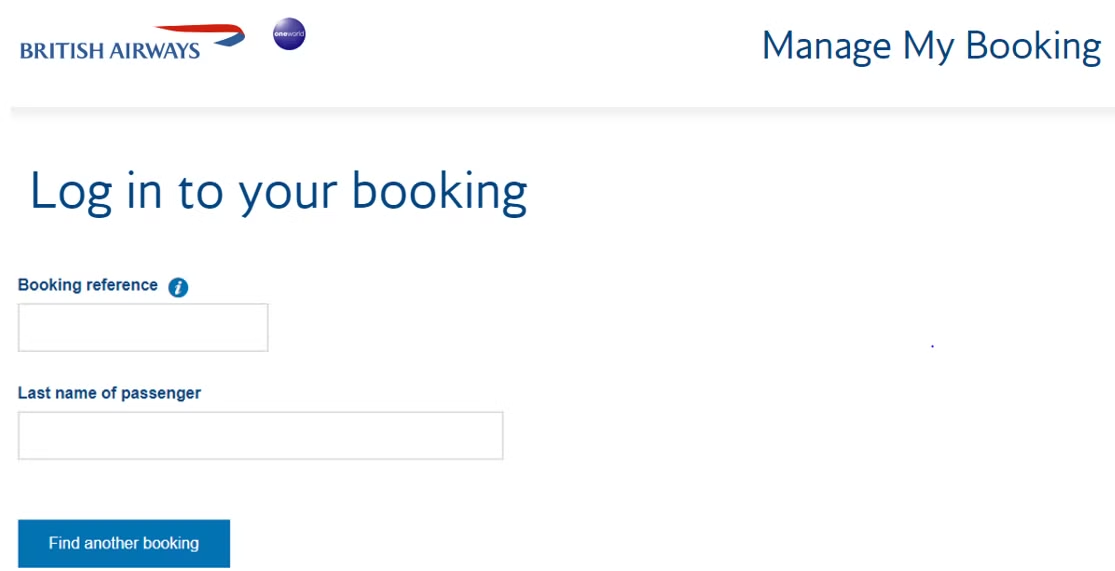
An airline cannot find my booking screen is alarming but rarely means the reservation is gone. In most cases the cause is a name mismatch, the wrong carrier website, or a timing quirk, each fixable in minutes. Work through the checklist below before assuming the worst. Background on references helps, so skim what is a PNR if the terminology is new.
1. Surname mismatch
The top cause. Accents, hyphens, spaces, and second surnames must match ticketing exactly. Retype carefully, try with and without the hyphen, and include all surnames in order. Middle names almost never go in the lookup field.
2. Wrong carrier website
Codeshare flights must be checked on the operating carrier site, not the marketing airline. Find the operated by line on the itinerary and switch sites before concluding anything. This single mistake explains a large share of false alarms.
3. Agency PNR vs airline PNR
Travel agencies and consolidators issue their own record locators alongside, or instead of, the airline code. The agency code will not resolve on the airline site. Use the airline reference from the document, usually labeled airline PNR or vendor locator.
4. Sync delay after booking
Fresh reservations can take minutes to hours to propagate between reservation systems. If the document is minutes old, wait, then retry. VerifiableFly references are issued live, so same-hour checks normally succeed.
5. Expired hold
Temporary reservations lapse when their validity window ends, including 48-hour dummy and onward holds past their date. An expired lookup result is expected behavior, not an error. Rebook or extend so the reference is live on checkpoint day.
6. Schedule change or cancellation
Airlines occasionally retime or cancel flights, moving passengers to new references. Check email for rebooking notices and search by ticket number or frequent-flyer account when the old code dies.
7. Married or changed names
Recent name changes split records across old and new surnames. Try the name used at booking time first, then contact the issuer with both documents ready.
8. Actually cancelled fraud or error
Rare with legitimate issuers: the booking was voided for payment failure or inventory error. A genuine issuer rebooks or refunds immediately. Forged PDFs simply never had a booking, which the 60-second test in how to check a PNR on airline websites exposes at once.
When to contact support
If two careful attempts with the correct carrier and exact surname still fail, contact the issuer with the reference, full name, and travel date ready. VerifiableFly support at [email protected] re-verifies every issued reference. Keep a live booking verified through verify booking before any checkpoint. See pricing.
Need proof of onward travel?
Get a verifiable onward ticket for your visa application or airline check-in, delivered directly to your inbox.